@
2025 June 24
Software
geologyGeometry
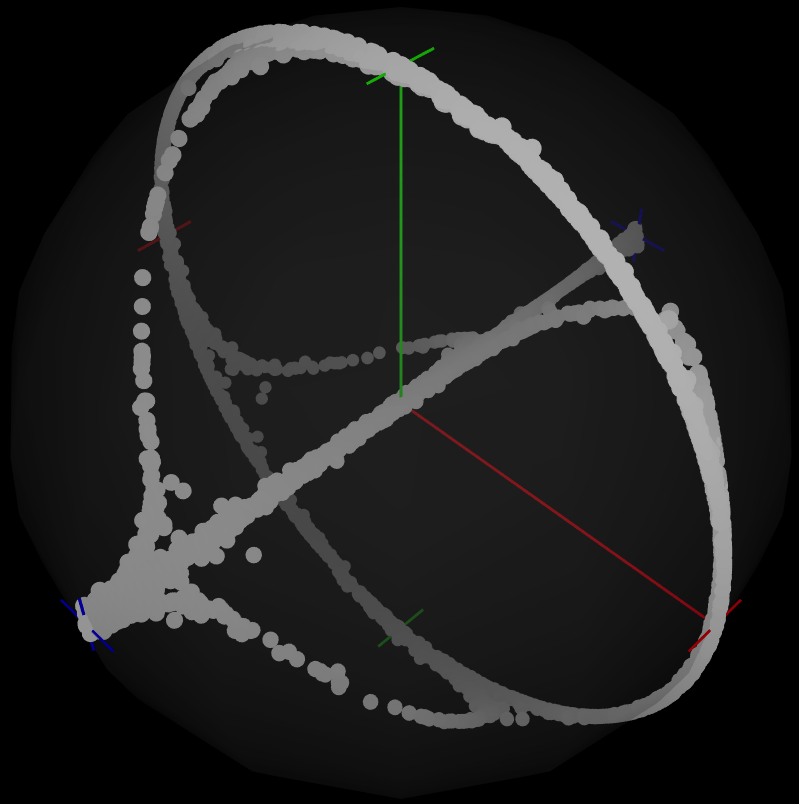
Geometric statistics is an umbrella term for statistics of rays, lines, rotations, orientations, ellipsoids, and other geometrically flavored quantities. It is used in astronomy, robotics, medical imaging, materials science, and many other fields. I wrote the geologyGeometry library to make these techniques accessible to geologists. It is written mostly in R, with a few parts implemented in C for speed. It comes with dozens of tutorials and dozens of example data sets. Download the entire current version (19.1 MiB ZIP).
You can also download the data and code for Roberts et al., The utility of statistical analysis in structural geology (in review). When running that code, use the 2017/06/20 version of geologyGeometry.
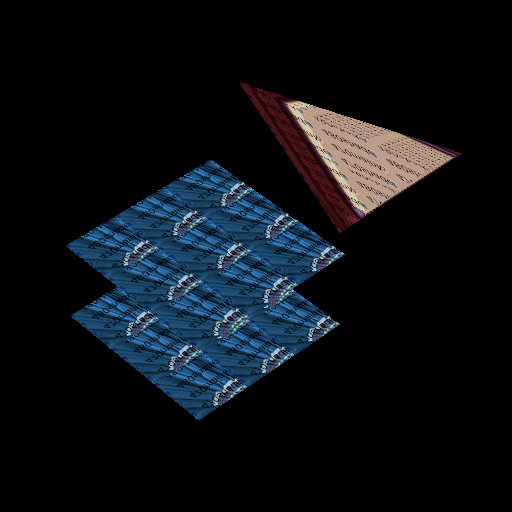
Quick C Vulkan Graphics Tutorial
Vulkan is a rather complicated application programming interface (API) for using graphics processing units (GPUs). I have made a tutorial, that attempts to compartmentalize the most difficult parts of Vulkan, so that you can get up to speed quickly and focus on customizing Vulkan to your purposes. See the six-part tutorial.
Geology Notebooks
Many of my early experiments about mathematical geology were done in Mathematica. Here are notebooks about miscellaneous tasks, rotations, ellipsoids, deformations, and examples. A subset of this code formed Appendix F of our paper Davis and Titus, Homogeneous steady deformation: A review of computational techniques, Journal of Structural Geology, 33 (2011) 1046-1062. If you just need numerical calculations and you don't mind R, then use geologyGeometry, which is more recently maintained. If you need symbolic calculations or greatly prefer Mathematica, then use these notebooks.

Strike Line
In geology, the orientation of a plane is described using the concepts of strike and dip. Strike Line is a simple iOS app that uses the device's accelerometer to draw the strike line and display the dip angle of the device itself. (This is all that can be done with circa-2009 iPod Touch hardware.) Strike Line was free at the iOS App Store. It is now unavailable, because I have chosen not to renew my developer membership.
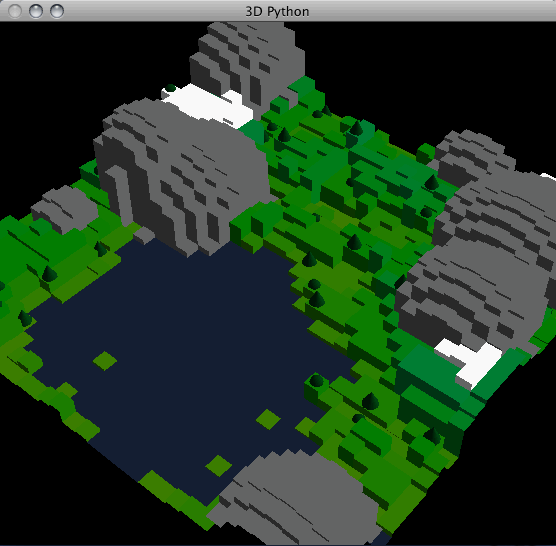
Bopagopa
Bopagopa is a simple 2D/3D graphics library for Python 2.x, that abstracts many of the low-level details of OpenGL. For example, it automatically generates GLSL shader programs based on the user-programmer's rendering choices. I wrote it while teaching computer science, so that my students could make some decent graphics and animations. Due to various dependencies it's not easy to install. On the plus side, it comes with 16 friendly tutorials. You can download version 2010 October 12 or view the reference online.
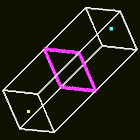
Selection Example
OpenGL has a selection mechanism that facilitates certain tasks such as picking and collision detection. Selection is deprecated now — in Bopagopa I pick using the back buffer instead — but on mailing lists there are still people trying to learn how to use it. So I've isolated my old PyOpenGL selection code to serve as an example for them.

Inking Tutorial
This brief tutorial from 2004 describes how OpenGL's polygon offset facility can be used to make any 3D image look like a colored line drawing, by "inking" the edges of the shapes in the image. This technique is now obsolete; shaders can accomplish the same effect, faster and better. Anyway, here's the tutorial.
Blow-Up Visualizer
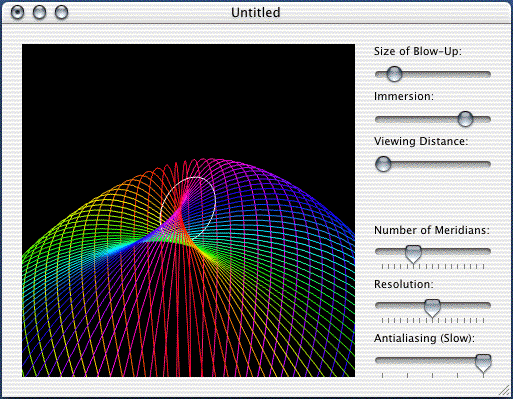
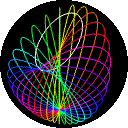
This Objective-C/Cocoa program illustrates the concept of blow-up, which is typically studied in graduate courses in geometry. Specifically, it displays a 3D immersion of the blow-up of the two-dimensional sphere at a point, and lets you play around a bit. This application requires Mac OS X PowerPC or the Rosetta emulator. View a screen shot or download version 2002 March 18 (1.0.0).
Strain Simulator
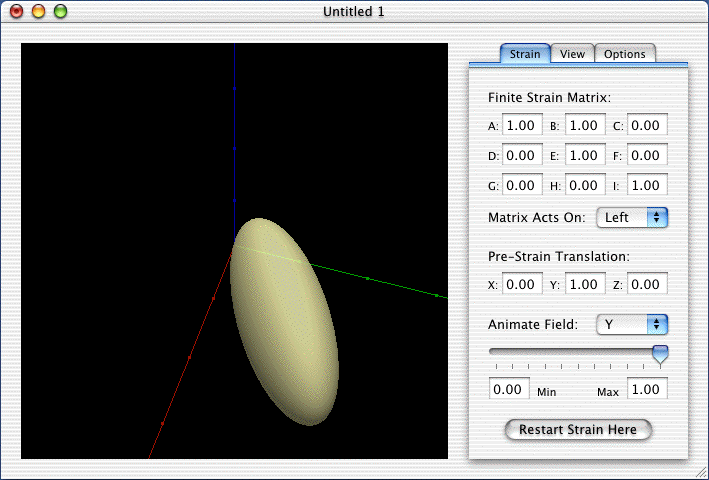
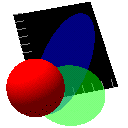
This Objective-C/Cocoa program visualizes linear transformations in 3D. While it could be useful to anyone studying linear algebra, Strain Simulator is specifically designed to help students of structural geology, where linear transformation is used as a simple model of rock deformation. Special features include volume preservation, material points, and translucency. This application requires Mac OS X PowerPC or the Rosetta emulator. View a screen shot or download version 2001 June 9 (1.0.1).
Integer Calculator
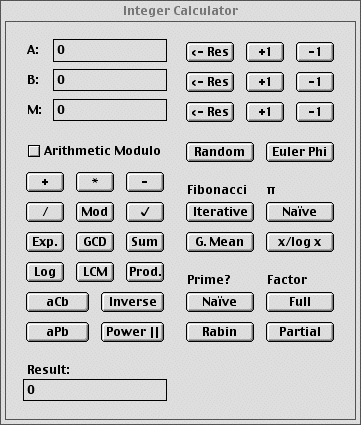
I wrote this little Mac C program around 1995 to perform number-theoretic calculations for me. If you can find a classic Mac or a PowerPC Mac OS X machine with the Classic emulator, then Integer Calculator will still run, amazingly. View a screen shot or download the application.